The quickest way to do most of this is to ask the assistant. It answers from your live records, so you do not have to build a report first.
Invoices
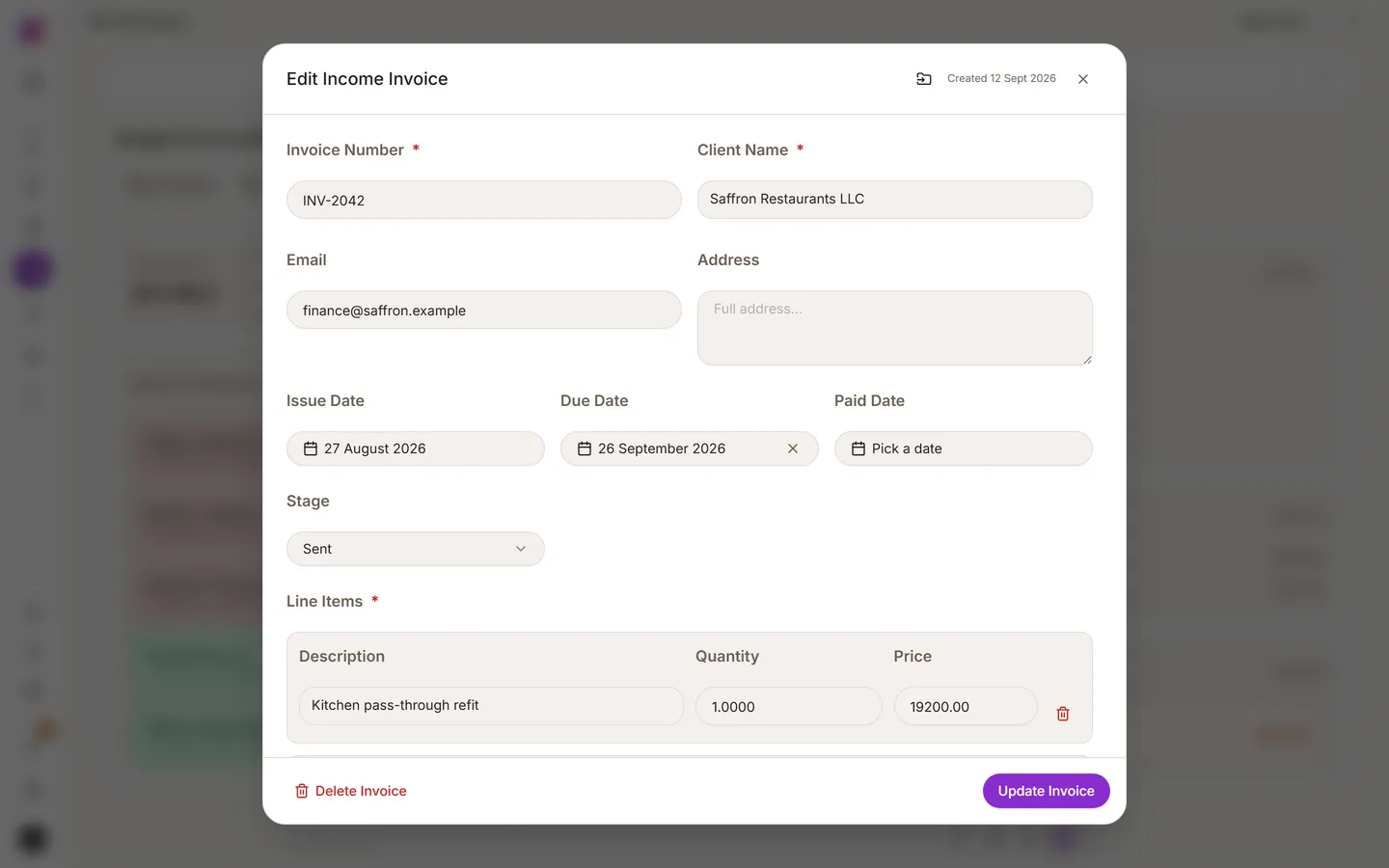
Raise an invoice against a contact or a deal and it stays in that customer's history. Say it in a sentence: "Invoice Gulf Interiors 4,000 for the Seef office fit-out, due in thirty days." An invoice carries a number, a date, terms and the contact it belongs to. Duplicate invoice numbers are caught. You can also upload an invoice or receipt you received and have it read instead of typed.
Expenses
Photograph a receipt and send it to the assistant. It reads the total, the supplier and the date. Add a category so your reports are useful, and keep the image attached.
Budget
The Budget page in the left sidebar holds money in and money out, tied to the customers and deals they belong to. It tracks what you invoiced and spent. It is not an accounting system, and it does not do statutory accounts, VAT returns or payroll.
Reports
The Reports page turns your records into charts: pipeline by stage, leads by source, new leads over time. For anything specific, just ask:
- "How much did we invoice last month, and how much has been paid?"
- "Which deals have been in Proposal for more than three weeks?"
- "Which lead source produced the most closed business this year?"
Sources and campaign names travel with the contact, so you can see which advert or event brought revenue, not only leads.
Keep the numbers trustworthy
- Keep stages honest. A pipeline with everything in one stage reports nothing.
- Close lost deals as lost.
- Record the source. Leads from the lead bot, a card or a lead ad carry theirs automatically.
- Use a few custom fields, filled in consistently.
Getting your data out
Deleted records can be restored from Archive, and your records are yours to export.