Most of this is set once and then forgotten, so it is worth setting up properly.
Where Settings is
Open the Settings (gear) button at the bottom of the left sidebar. On a phone, tap More, then Settings & Billing. The tabs are:
- Profile: your name, country and timezone, language, date and time format, undo send, brand and more.
- Notifications: what reaches you and where.
- Memory: what the assistant remembered about how you work. See Memory and AI credits.
- Billing: your plan, add-ons and payment method.
- Permissions: who can do what, per workspace. This tab shows only if you can manage permissions.
Integrations are not in Settings. They live in Connectors. See Connect your accounts.
Language and dark mode
Pick your language in Settings > Profile > Languages. On a computer it is also in the profile menu (your photo at the bottom of the left sidebar). Dark Mode and Light Mode are in the same menu.
Team and permissions
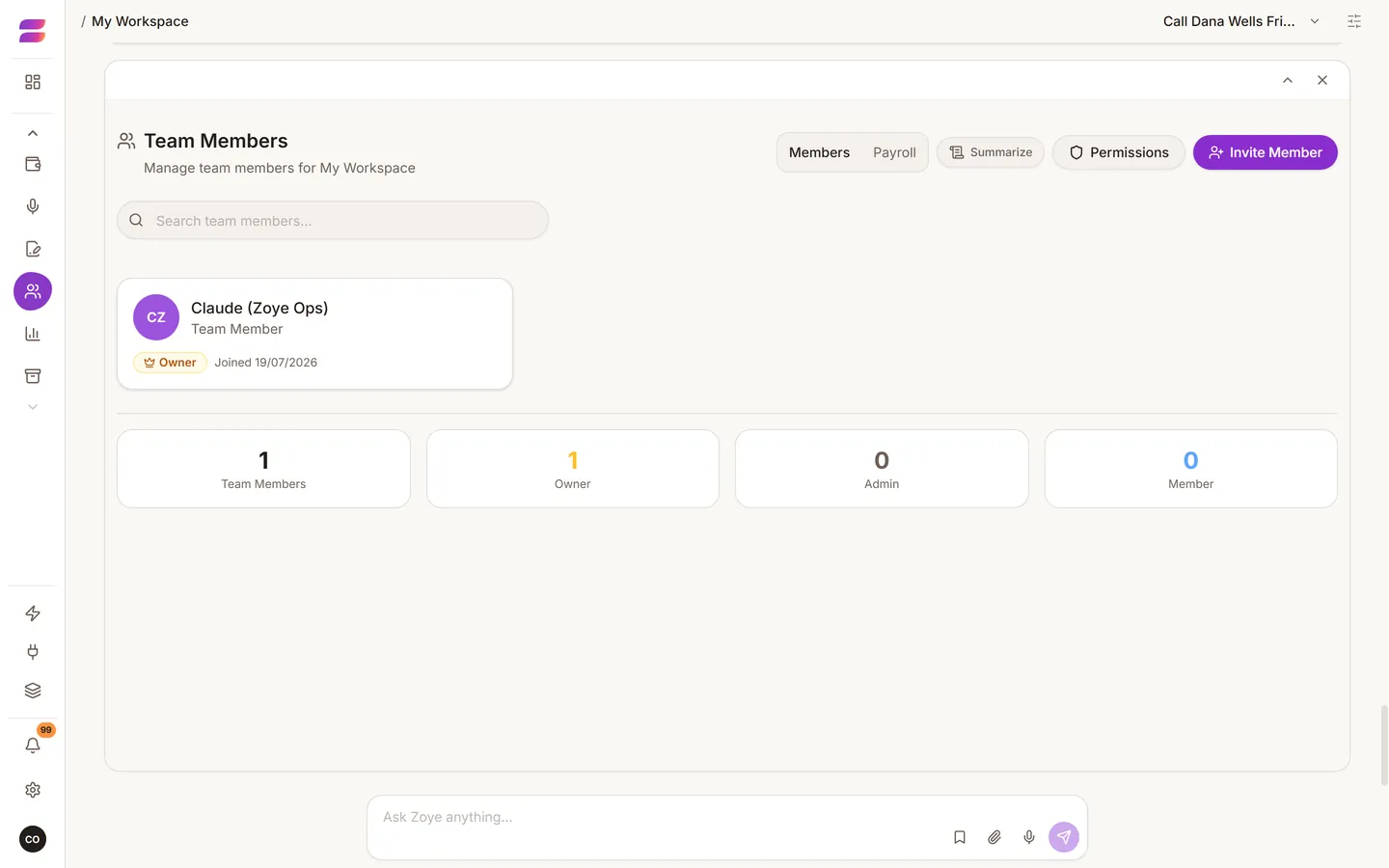
Invite people from the Team page. Each person gets their own login and links their own WhatsApp number. Then set what each person can see and do, per workspace. A branch manager can be given their branch only.
Permissions apply to the assistant too. Whatever a person cannot see in the app, the assistant cannot show them.
Tailor the app
Hide the tools you do not use with Change tools in the profile menu (owners and admins). Hidden tools are hidden from the assistant too. You can also ask: "Hide Budget for everyone except me."
Billing
Your plan, add-ons and payment method are in Settings > Billing. For what each plan includes and what it costs, see pricing.
Your data
Deleted records go to Archive and can be restored. Every action the assistant takes is recorded against the person who asked for it.