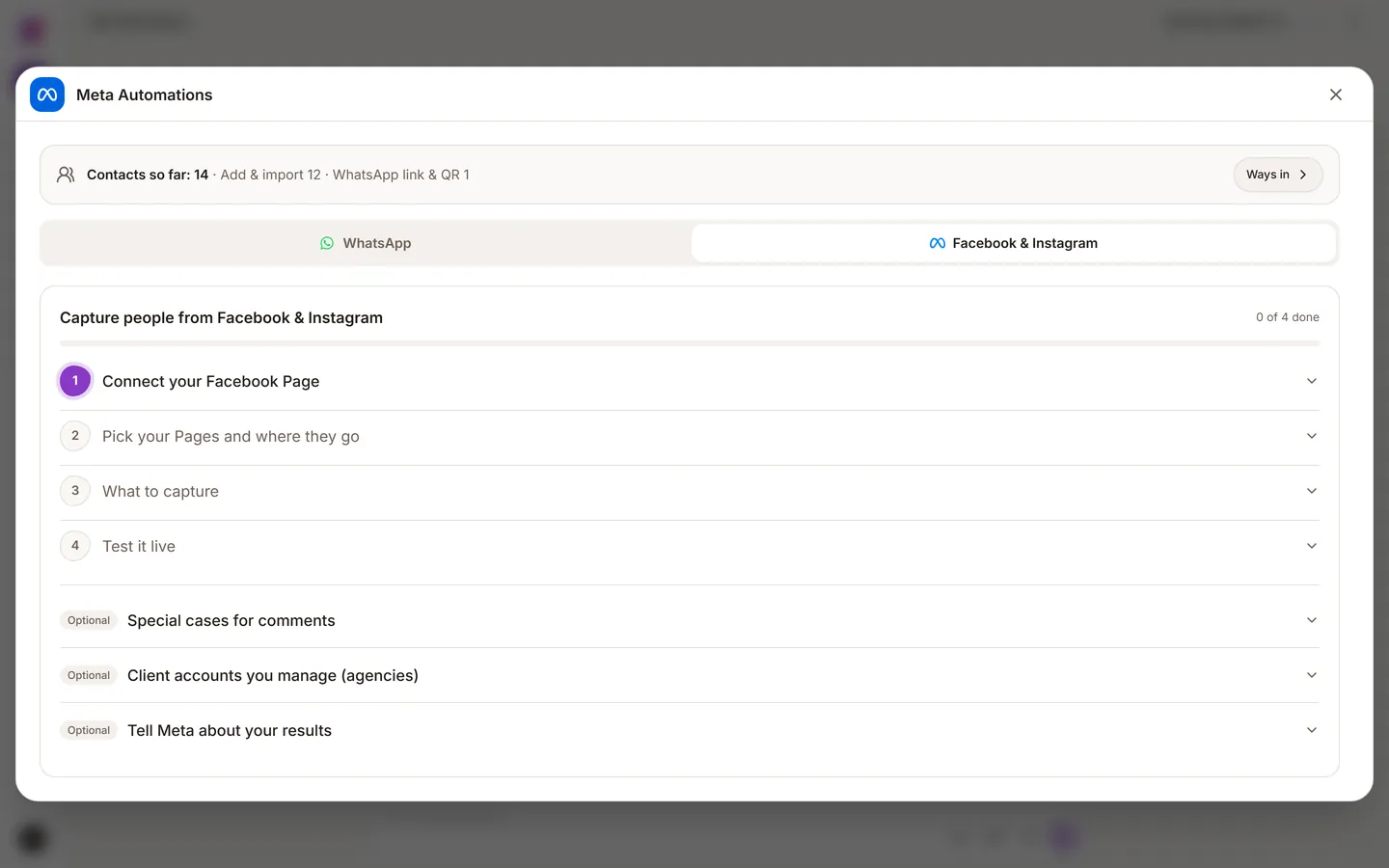
People reach you on Meta in two ways: they comment on a post, or they fill in a lead form on an advert. Both can land in your pipeline as real contacts. Availability depends on your plan, see pricing.
Connect your Page
You connect a Facebook Page, and Instagram uses the same connection. You need to be an admin of that Page. Open Automations > Meta Automations in the left sidebar to connect it and to build your flows. You can also reach Meta Automations from the toolbar on the Contacts page.
You choose which workspace the Page's leads land in. This is set per Page, so an agency with several Pages can send each one to its own workspace.
Comment automation
When someone comments on a post, the automation can:
- Reply publicly under the comment.
- Send a private message, where the real conversation happens.
- Save the person as a contact, with their comment and a link back to it.
- Continue the follow-up, including moving to WhatsApp.
Build it like any automation: describe what you want, read the preview, approve it, then switch it on. See Automations.
Zoye protects you from common mistakes. Each comment is handled once, the Page never replies to itself, and only one private reply is sent per comment, which is a Meta rule.
Lead ads
When someone completes a lead form on your advert, they arrive as a contact right away. Name, email, phone, company, job title, city and country go onto the contact. Other answers are kept on the record. The campaign and advert name are stored too, so you can later tell which advert brought real customers, not only which brought the most leads.
Good practice
- Reply publicly with something useful, not just "DM sent".
- Move to WhatsApp early. It is easier to do the real work where the customer already is.
- Do not reply to every comment. Limit it to comments that are real enquiries.
- Test on a quiet post first. This automation speaks in public under your brand.