Pick the right tool for what you want to do.
The four tools
- Lead bot: someone messages you and you want them answered and qualified. See Set up the lead bot.
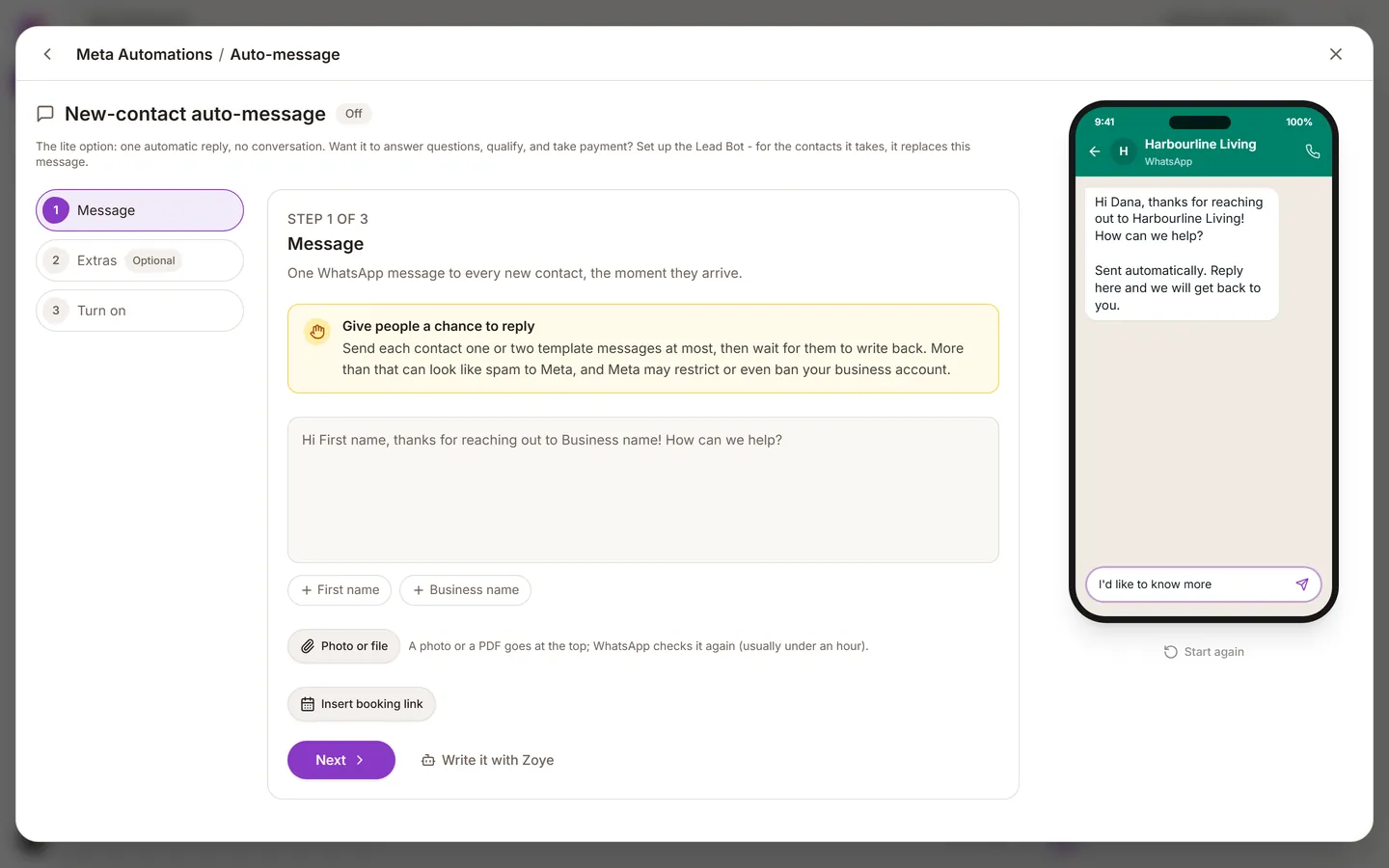
- Auto-message: every brand-new lead gets a greeting the moment they are added, from any source.
- Broadcast: one campaign to many existing contacts, such as an announcement or an offer.
- Audience: a saved group of contacts to aim a broadcast at. It is for targeting, not for filing. To organise contacts, use tags or a pipeline stage.
You will find Auto-message, Audiences and Broadcasts in the left sidebar.
The new-lead auto-message
- Open Auto-message, or ask the assistant to set one up.
- Write a short message: who you are, that a person will follow up, and one question that moves things forward.
- Choose which lead sources it applies to.
- Confirm consent, then turn it on.
Consent here is separate from the lead bot. See Consent and templates.
Send a broadcast
- Build the audience: who, by stage, tag or another attribute.
- Pick an approved template.
- Preview it and check the placeholders fill in with a real contact.
- Send it, or schedule it for a sensible hour in your customers' time zone.
- Watch the first few minutes. If people are blocking or reporting, stop.
Keep your number safe
- Only message people who agreed to it.
- Do not broadcast every week.
- Meta may charge for business-started messages. See The 24-hour window and pricing.
- A QR code or a click-to-WhatsApp advert gets customers to message you first, which is better for them and for your costs.