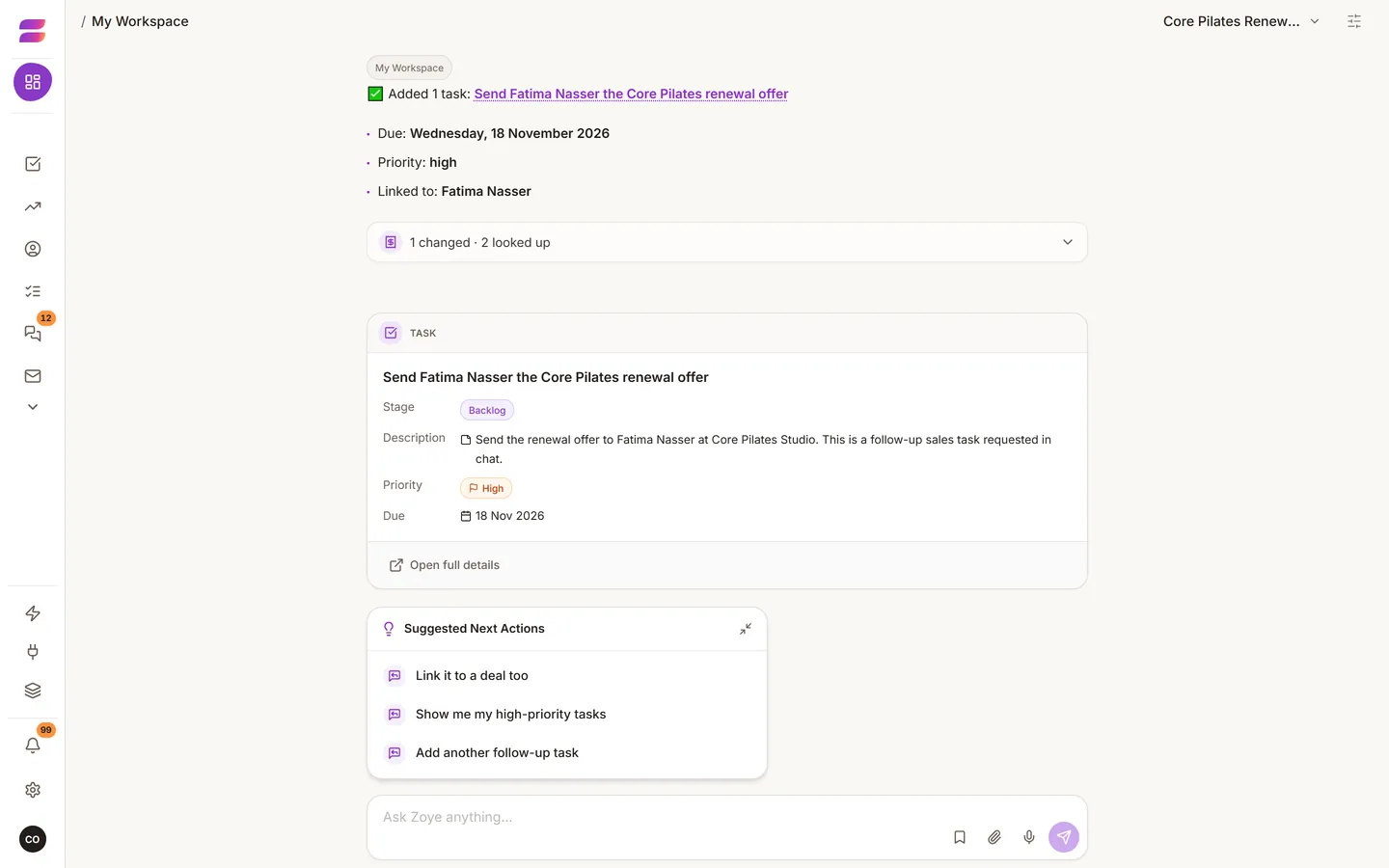
The assistant can do what the app's buttons do, and some things no button does. It always works within your own permissions.
Where you can talk to it
It is the same assistant, with the same tools, in four places:
- The web app: best for longer work, and for seeing results laid out. It links straight to the record it just made.
- WhatsApp: best away from your desk. Send text, voice notes and photos.
- Slack: for teams that already live there.
- Claude: connect your workspace to Claude and choose which workspaces it may use.
What to say
Talk to it like a capable new colleague. Say what happened and what you want, not which buttons to press. A messy full sentence works better than a tidy keyword.
- Capture: "Just met Ahmed from Gulf Interiors, wants a quote for the Seef office, call him Thursday." One sentence can create a contact, a deal and a task.
- Ask about your data: "Who has not replied to a quote in two weeks?" "What is overdue?"
- Do several things at once: "Create the deal, add a task for the site visit on Sunday, and email him the brochure."
- Set things up: custom fields, pipeline stages, tags, and which tools show in the sidebar.
What it checks first
- Anything destructive is confirmed before it happens, in plain words, with the count. "This will delete 3 tasks" comes first.
- If you cannot see something in the app, the assistant cannot see it for you.
- Deleted records go to the Archive, where you can restore them.
Chats
At the top of the chat, the name of the open chat opens your list of chats. The pen button next to it starts a new chat. A new chat gives you a clean screen, but Zoye still remembers the whole conversation.
Need a person?
Say "talk to a human". See Talk to a person.