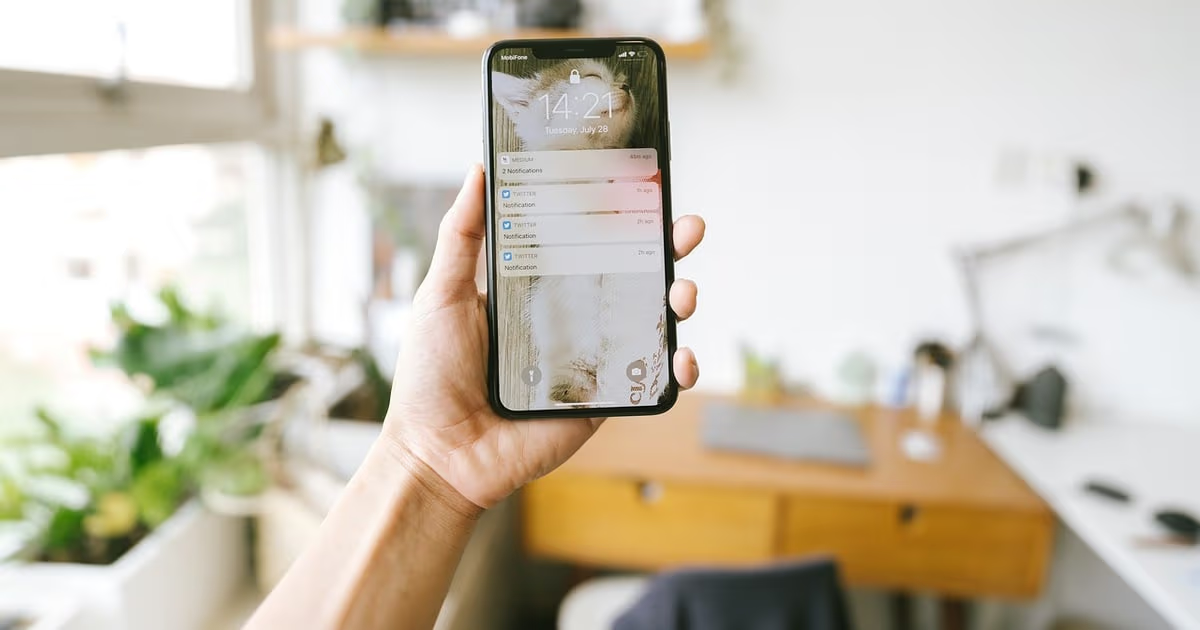
An Instagram DM template is a prepared reply you adapt for a moment that keeps coming back: a story reply, a "how much?", a booking, a collab request, a review ask. The 30 templates below are grouped by that moment, written to fit Meta's 2026 messaging rules, and short enough to read in a notification preview.
Key takeaways (October 2026)
- Automated DMs can only answer people who wrote, commented, replied to a story or clicked an ad, inside a 24 hour window from their last message, according to Meta's messaging policy.
- A comment earns exactly 1 private reply to the commenter, sent within 7 days of the comment; a first message from a Click-to-Instagram-Direct ad can stretch the window to up to 7 days.
- Meta's developer documentation caps an API text message at 1,000 bytes and allows up to 13 quick reply buttons with titles of up to 20 characters, hidden on desktop.
- Meta's spam policy lists repetitive content as a spam signal, so one template is never pasted to a crowd.
Instagram DMs are where small businesses quietly win or lose sales. Someone sees a Reel, taps the paper plane and asks a vague question. The business that answers fast and with a clear next step gets the booking; the one that answers late, or answers a different question, gets left on "seen". Templates solve both, because you stop writing from scratch at 11pm and every reply is built around what the person actually did.
Each template assumes the person came from a story, a comment, a Reel, an ad or your profile, uses the buttons Instagram supports, and respects the windows Meta enforces. Use them by hand, as saved replies, or inside an automation; our Facebook and Instagram automations page shows how they run without anyone pasting them. The Meta details were checked against Meta's developer documentation and policy pages in October 2026.
The rules box: what every Instagram DM template must respect
Every Instagram DM template, pasted or automated, sits inside three rules: you only message people who messaged or engaged first, automated replies happen inside a 24 hour window from their last message, and you never send the same text over and over. Break any of them and the account risks limits.
Rules box (as of October 2026)
- No cold DMs. Meta lets a business message people who messaged it or engaged with it: a DM, a story reply or story mention, a comment, or a click on a Click-to-Instagram-Direct ad. A follow, a like or a profile you found is not a conversation.
- The 24 hour window. Automated replies, promotional content included, can go out for 24 hours after the person's last message, and each new message restarts the clock. After a first message from a Click-to-Instagram-Direct ad, the window can last up to 7 days.
- One private reply per comment. A comment allows one DM to the commenter within 7 days. Further messages need the person to reply first.
- No spammy repetition. Meta's spam policy prohibits engaging at very high frequencies, manually or automatically, and treats repetitive content as a spam signal. One template per person per moment.
- Say when it is automated. Meta recommends it at the start, after a long gap, or when a bot takes over from a person; some laws require it.
So a "just checking in" three days later is a message an automation cannot send. The Human Agent tag, which lets a person reply within a separate 7 day period, needs Meta's App Review and is for slow human answers, not for stretching a bot's reach.
How a reply that gets answered is built
A reply that gets answered on Instagram has three parts: a first line that refers to what the person did, a middle that gives them something useful right now, and a last line with one easy next step, usually a question or two or three buttons.
The callback and the useful part. "Saw your reply to the packaging story" lands better than "Hello, thanks for contacting us", because it proves someone looked. Then give a price range, a link, the next free dates or the answer; if it depends, name the one thing it depends on and ask for it.
The next step. One question or a few buttons. Buttons are an Instagram strength: up to 13 quick replies per message according to Meta's developer documentation, each title cut off after 20 characters, and not shown on desktop.
Length and voice. The API caps a text message at 1,000 bytes; aim for something read in five seconds, and use a link or a file when it needs more. Write the way your best team member talks to a customer at the counter.
Which template fits which moment
Each Instagram moment arrives through a different trigger with a different window, so the right template depends on how the conversation started. Find the group in the table, then pick the template. Square brackets mark text you replace, and {name} marks a field filled from a record, such as the contact's first name.
| Moment | How it starts | Window for automated replies | Templates |
|---|---|---|---|
| Story reply or mention | Person replies to or mentions your story | 24 hours from their message | 1 to 4 |
| Comment follow-up | Person comments on a post or Reel | 1 private reply within 7 days | 5 to 8 |
| New inquiry | Person sends a first DM | 24 hours, up to 7 days after a Click-to-Instagram-Direct ad | 9 to 12 |
| Pricing question | Person asks what it costs | 24 hours from their message | 13 to 16 |
| Booking | Person wants a time or a slot | 24 hours from their message | 17 to 20 |
| No reply yet | Person went quiet | Only while their last message is under 24 hours old | 21 to 23 |
| Collab request | Creator or brand writes to you | 24 hours from their message | 24 to 26 |
| Review ask | Customer confirms a happy result | 24 hours from their message | 27 and 28 |
| Returning customer | Known customer writes again | 24 hours from their message | 29 and 30 |
Want to see it in action?
See Zoye catch a new lead, answer on WhatsApp and set up the follow-up, all from one message.
See How It WorksStory reply templates (1 to 4)
A story reply is the warmest DM a business gets: the person chose to respond to something you posted, so the template should continue that exact thought, answer it, and offer one next step. Replies arrive as normal DMs and open the usual 24 hour window.
1. Reply to a "which one would you pick?" story. Thanks for replying, {name}. You went with [option], like most people did. We are putting together a short guide on it this week. Want us to send it here when it is ready? [Yes, send it] [No thanks]
2. Reply to a behind-the-scenes story. Glad you liked seeing how [product] gets made. Every piece is [one detail, such as made to order]. Want to see what is in stock, or how custom orders work? [In stock] [Custom order]
3. Reply to an emoji reaction on a launch story. That reaction made our day. [New item] goes live on [date], and people who reply here see it first. Shall we save you a spot? [Save my spot]
4. Thank-you for a story mention. Thank you for tagging us, {name}. Seeing [the product] in real life is the best part of our week. Mind if we share your story? We will credit you. [Sure] [Rather not]
Comment-to-DM follow-up templates (5 to 8)
A comment-to-DM template is the single private message a commenter receives, and because Meta allows only one per comment, it has to deliver what the comment asked for and invite a reply that reopens the conversation. Our guide to Instagram comment to DM automation covers the triggers and setup.
5. Keyword comment on a Reel offering a resource. Here is the [checklist or guide] you asked for under the Reel: [link]. One question so we can point you to the right next step: are you just starting out, or already doing this? [Starting out] [Already doing it]
6. A "how much?" comment under a post. You asked about the price under our [post topic] post, so here it is privately: [item] starts at [price], depending on [the one variable]. Tell us that and we will give you the exact figure.
7. A question that needs more than a comment. Saw your question about [topic] in the comments. The honest answer depends on [detail]. Can you tell us a bit more? A person from the team will reply here.
8. A giveaway entry comment. Thanks for entering, {name}, your entry counts. We announce the winner on [date] in our stories. Want a reminder when the next one starts? [Remind me]
Each one ends with something to answer on purpose: the private reply is your only automated message until they write back, and their reply opens the regular 24 hour window.
New inquiry templates (9 to 12)
A first DM is often vague ("hi", "info?", "is this available?"), so the template should welcome the person, show that a human or a capable assistant is on the other side, and turn the vague message into one clear choice. This is also where you say plainly if the reply is automated.
9. A bare "hi" or "info". Hi {name}, thanks for the message. This is the [business] assistant, and a person from the team is around too. What can we help with today? [Prices] [Availability] [Something else]
10. "Is this still available?" under a product. Yes, [item] is in stock right now in [sizes or options]. Would you like us to hold one for you for 24 hours while you decide? [Hold one] [Just looking]
11. A first message from a Click-to-Instagram-Direct ad. Thanks for tapping our ad about [offer], {name}. The short version: [one-line summary of the offer]. Is this for you, or are you asking for someone else? [For me] [For someone else]
12. A first message outside opening hours. This is an automatic reply: the team is offline and back at [time]. Add [the detail you always need] and our first answer will be a real one.
Pricing question templates (13 to 16)
Answer a price question with a number or a range, not with "DM us" or "it depends". Show a figure, name the one factor that changes it, and offer the fastest route to an exact quote. People who ask about price in a DM are usually close to buying.
13. A fixed-price product. [Item] is [price], and that includes [what is included, such as delivery]. Would you like the link to order, or do you have a question about it first? [Order link] [I have a question]
14. A service priced in ranges. Most [service] projects land between [low] and [high]. Where yours falls depends mainly on [factor]. Tell us that and we will come back with an exact quote today.
15. A price objection ("that is a bit much"). Fair question. The price covers [two concrete things]. If budget matters most, [smaller option] at [price] gets you [core result]. Want details?
16. A request for a discount code. We do not run codes on [item] right now, but our [newsletter] hears about offers first. Want to join? [Add me] [No thanks]
See what Zoye can do for you
CRM, deals, tasks and your Instagram, Facebook and WhatsApp automations in one workspace. Just ask Zoye and it sets any of it up for you.
Explore FeaturesBooking templates (17 to 20)
A booking template should offer real times, not ask "when are you free?". Give two or three specific options, let the person tap one, and confirm in writing with everything they need to show up.
17. Offering slots. Happy to book you in, {name}. The next free times are [day and time 1], [day and time 2] and [day and time 3]. Which suits you? [Option 1] [Option 2] [Option 3]
18. Confirmation. You are booked for [service] on [day] at [time]. [Where or how it happens, such as the link or the address on our profile]. If anything changes, reply here and we will move it.
19. Reminder inside the window. Quick reminder, {name}: [service] is tomorrow at [time]. Reply OK to confirm, or ask for another time.
20. Reschedule request. No problem at all. Here are the next openings: [option 1] or [option 2]. Pick one and we will update your booking straight away.
Template 19 has a catch: an automated reminder is only allowed if the person's last message is under 24 hours old. For bookings made days ahead, remind people by email or another channel they agreed to.
Follow-up templates when there is no reply (21 to 23)
A follow-up on Instagram has to happen inside the 24 hour window from the person's last message, so the useful follow-up is a same-day nudge that adds something new, not a "just checking in" days later. One follow-up per open question is plenty.
21. Same-day nudge after a price was sent. Hi {name}, one thing I forgot to mention earlier: [a detail that helps, such as delivery time or what is included]. Any questions before you decide?
22. Nudge after slots were offered. The [day] slot is still open for you, {name}. Shall I keep it, or would another day work better? [Keep it] [Another day]
23. A graceful close. No pressure at all. If the timing is not right, we will be here. Reply anytime and we will pick up where we left off.
Collab request templates (24 to 26)
When a creator or brand writes to propose a collaboration, the template should thank them, say clearly what you are looking for, and ask for the two or three facts you need to decide, so the conversation either moves quickly or ends politely. These are replies, never cold pitches.
24. Interested, need details. Thanks for reaching out, {name}. We are open to collaborations that fit [your audience]. Could you share your rate, a recent example of your work and your timing?
25. Not a fit right now. Thanks for thinking of us. We are not taking on collaborations this [month or season], but may we come back to you if that changes?
26. Gifting instead of paid. We love what you make. Right now our collaborations are product-only: we send [product], and you post only if you genuinely like it. Would that work for you? [Sounds good] [Not for me]
Review request templates (27 and 28)
Ask for a review only when the customer has just told you they are happy, inside the open window, with a direct link and one sentence about why it matters. A review ask sent to someone who never replied is cold outreach; one sent right after "it arrived, love it" is welcome.
27. After a happy message. That made our day, {name}, thank you. If you have one minute, a short review here helps other people find us: [review link]. Even one line counts.
28. Asking for a photo to share. So glad it worked out. Would you be up for sending a photo of [the result or the product in use]? With your permission, we would love to feature it on our account. [Sure] [Rather not]
Returning customer templates (29 and 30)
A returning customer should never be treated like a stranger. The template refers to what they bought or booked before and makes repeating it effortless, which only works if your system remembers them. Keep it light; nobody likes being told how much you know.
29. Welcome back. Good to see you again, {name}. Would you like the same as last time, [previous item or service], or are you after something new? [Same again] [Something new]
30. A repeat moment, when they write first. Hi {name}, it has been about [time] since your last [item or service], usually when people come back for [the next step]. Shall we check availability? [Yes please] [Not yet]
Ready to hand off the busywork?
Zoye brings AI-powered CRM, task management, and automation into one workspace.
Get StartedPersonalising Instagram DM templates without making mistakes
Personalisation in an Instagram DM means using the person's name and calling back to what they did, filled from a record rather than guessed. Merge fields such as {name} make a template feel personal, but they break in predictable ways.
- Instagram names are not always names. A display name can be a shop name or a string of emojis. Prefer the first name from your own records.
- Set a fallback. If {name} is empty, the line should read "Hi there", not "Hi ,".
- Rotate the wording. The same opening line sent hundreds of times a day reads like a bot. Keep two or three versions of your busiest templates.
Mistakes that turn a template into spam
An Instagram DM template turns into spam when it is sent to people who never wrote, sent twice, sent outside the window, or sent without answering what the person asked. Each one is a habit, and each habit can be fixed with a simple rule in your process.
Welcome DMs to new followers. A follow does not open a conversation, and tools promising "auto DM every new follower" work outside Meta's rules and risk action blocks.
Answering a different question. A "price" keyword that sends a catalogue to someone asking about delivery is worse than a slower human answer. Add a catch-all that hands unclear messages to a person.
How Zoye sends these replies and keeps the lead
Zoye is an AI Business Operator. Your CRM, deals, tasks, calendar, documents and invoices sit next to the Facebook and Instagram automations in one workspace, and an assistant runs all thirteen tools for you, whether you talk to it in the app, on WhatsApp, in Slack or through the Claude connector. For DM templates, that means the reply and the customer record live in the same place.
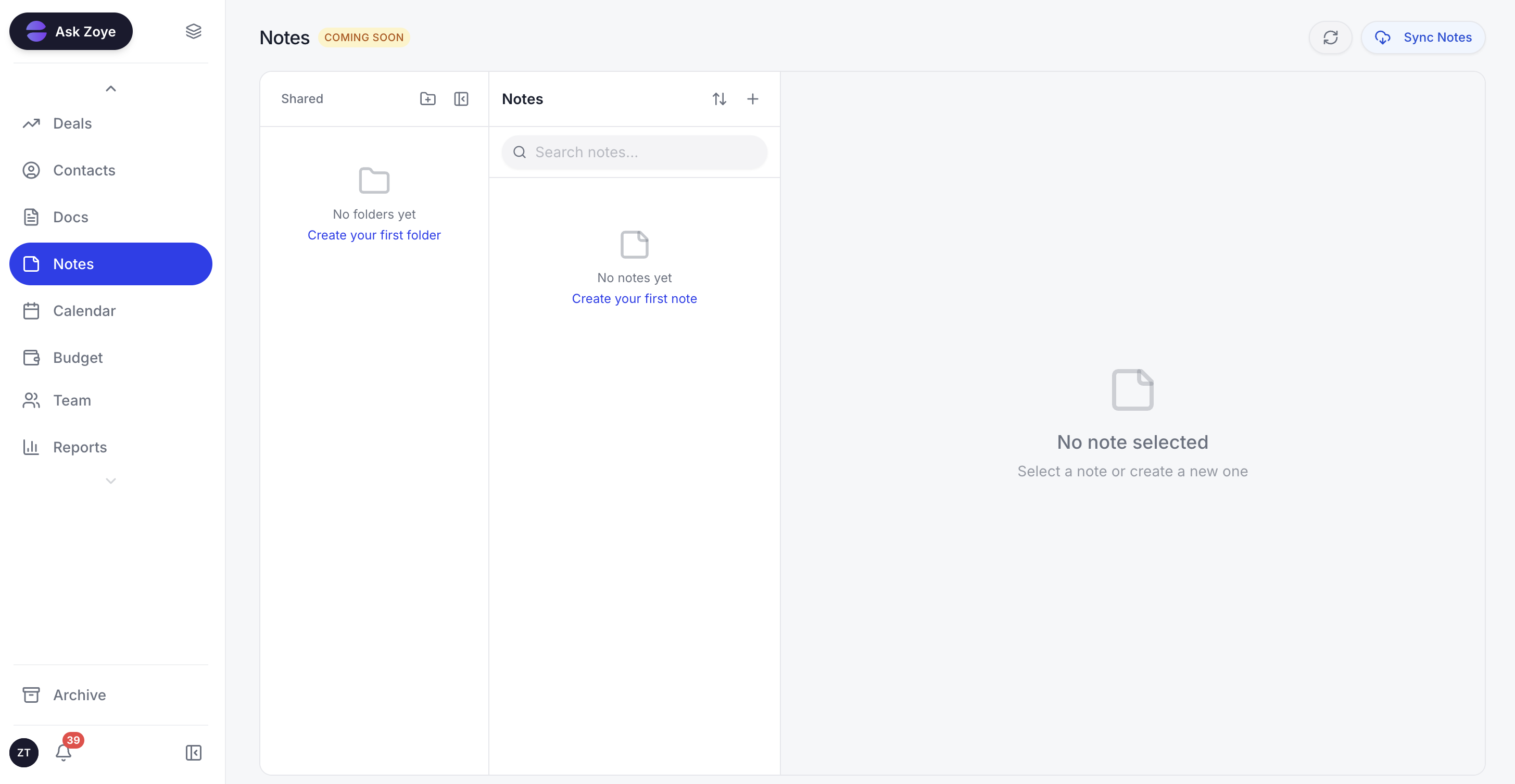
Keep the approved wording for every DM moment in one shared document, so whoever answers Instagram sounds like the same business.
Connect a Facebook Page once and the Instagram account linked to it comes along. A new DM or story reply gets an answer from Zoye straight away: a few tappable buttons, a file like your price sheet, or a reply written in your brand's tone. Complaints, refunds, custom quotes and anything else Zoye should leave alone go to someone on your team, who sees the full conversation on the lead's card. Under your posts and Reels, a comment can trigger a public reply and a private DM within seconds, by keyword, for a single post, or for every comment.
Every person who writes becomes a normal Zoye contact. Someone who comments again is matched to their existing record rather than created twice, and that memory is what makes templates 29 and 30 work. The team answers from Chats, a single inbox for Instagram and Facebook messages and comments together with WhatsApp conversations, where chats can be assigned, notes added and quick replies used.
The guided setup has four steps: connect the Page, pick the workspace for its leads, prepare the automatic DM, then comment on a post of your own to watch it work. To change anything later, tell Zoye what you want, such as "when a story reply asks for the price, send the price sheet and add a call task for tomorrow". Zoye turns that into a rule, explains it in plain English and does nothing until you approve. If Meta refuses a message or the Page loses a permission, you get the reason, never a false "sent".
Where Zoye stops: it is not a ManyChat-style flow canvas, a post scheduler or a helpdesk ticketing suite, and it does not run ads. Its job starts when a post or an ad produces a conversation.
Pricing, monthly or per month on a yearly plan: Almost Free costs $5 or $4 and covers 1 team member and 1GB with the core tools, 15 AI prompts a month and the Google integrations, without automations. Starter costs $29 or $23 with 10 members and 5GB, Growth $59 or $47 with 20 members and 10GB, Scale $119 or $95 with 100 members and 25GB, and Customize is priced on request. The pricing page shows which plans come with Instagram automations.
Best for: small businesses whose customers ask and book in Instagram DMs.
Pick five templates and start this week
You do not need all 30 at once. Read your last fifty DMs, find the five moments that repeat most, adapt the matching templates in your own voice and save them as saved replies today. Templates 9, 13 and 17 are a good start, because a first message, a price question and a booking cover most of a small business inbox. To have them sent at the right moment and every chat kept as a lead, see what our Facebook and Instagram automations do.
Related reading
Keep going with Instagram auto reply, comment to DM automation on Instagram, getting leads from Instagram, and the top Instagram automation tools.