
Quick answer: Zoho CRM costs $14 to $52 per user a month billed yearly, or $20 to $65 billed monthly, across four paid editions, and a free edition covers up to 3 users, as of November 2026. The cheapest real paid bill is one person on Standard at $14 a month, paid yearly. Professional at $23 per user is the first edition with process rules and inventory, and the bill grows with every user, every gigabyte and every edition jump you make to reach a single feature.
Key takeaways (November 2026)
- Five editions: Free (up to 3 users), Standard $14, Professional $23, Enterprise $40 and Ultimate $52 per user a month billed yearly; $20, $35, $50 and $65 billed monthly.
- Yearly billing saves between 20% and 34% per user, the biggest cut on Professional ($35 down to $23).
- Storage is the quiet trap: Standard holds 100,000 records, and extra data storage ($4 per 100 MB a month) is only sold on Professional and above.
- Bigin, Zoho's lighter CRM, runs from $7 to $18 per user billed yearly; Zoho One bundles more than 40 apps for $37 per employee, but only if you license every paid employee.
- A 10-person team on Professional pays $230 a month billed yearly before add-ons; the same team on Enterprise pays $400.
A note on sources: every Zoho figure below comes from Zoho's own pages, re-read on 18 November 2026: the Zoho CRM pricing page and the US dollar price list it loads, the Zoho CRM edition comparison page, the Bigin pricing page and the Zoho One pricing page. Zoho shows prices in the visitor's local currency, so the page you open may show rupees, euros or pounds instead of dollars. All dollar figures are list prices before local taxes, which Zoho adds on top.
Zoho CRM pricing in one table (October 2026)
Zoho CRM has five editions, and four of them are paid per user per month. The yearly price is what Zoho advertises first; the monthly price is 25% to 52% higher depending on the edition. Zoho charges per user, so the bill moves with every person you add, whether they log in daily or once a month.
| Edition | Per user, billed yearly | Per user, billed monthly | Yearly saving per user | Data storage (up to 200 users) | What it is built for |
|---|---|---|---|---|---|
| Free | $0 | $0 | None | 5,000 records | Up to 3 users trying a pipeline |
| Standard | $14 | $20 | $72 a year (30%) | 100,000 records | A small team moving off spreadsheets |
| Professional | $23 | $35 | $144 a year (34%) | 10 GB, about 5 million records | A growing team that needs process rules and inventory |
| Enterprise | $40 | $50 | $120 a year (20%) | 10 GB, about 5 million records | Several sales teams, approvals, sandbox, Zia AI |
| Ultimate | $52 | $65 | $156 a year (20%) | 10 GB, about 5 million records | Heavy customization with higher limits and consulting |
Source: Zoho CRM pricing page and edition comparison page, US price list, November 2026. Above 200 users, Enterprise rises to 15 GB and Ultimate to 30 GB of data storage, per the comparison page.
Two things stand out. The jump from Standard to Professional costs $9 per user a month on yearly billing but $15 on monthly billing, so monthly billing punishes the step up to Professional. And the storage column changes shape at the same step: Standard counts records, Professional counts gigabytes, which is the boundary where growing accounts get pushed upward.
Zoho also sells Zoho CRM Plus, a bundle of sales, marketing and service apps that its pricing page says starts at $20 per user a month. That is a different product with its own limits; this article prices Zoho CRM itself, Bigin and Zoho One.
What each Zoho CRM edition adds
Each edition includes everything below it and adds a layer: Standard adds email, calling and multiple pipelines; Professional adds process automation, inventory and smart forecasts; Enterprise adds multiple teams, approvals, a sandbox and the fuller Zia AI; Ultimate raises the limits and adds expert help. Pick the cheapest edition that holds the one feature your process cannot run without.
Free ($0, up to 3 users). Contacts, leads and deals, follow-up reminders, basic workflow rules, tasks, meetings and calls, up to 10 email templates, standard reports, data import, data export up to 10 times, 5,000 API calls a day and the mobile apps, according to Zoho's pricing page. The edition comparison adds the limits that matter: 5,000 records, 1 GB of file storage for the organization, no mass email and no scheduled data backups. It works for two or three people who want to see whether a CRM habit sticks.
Standard ($14 yearly, $20 monthly). Email integration with Gmail, Outlook and Zoho Mail, mass email, built-in calling, multiple sales pipelines, calendar sync, web forms for lead capture, sales forecasting, data enrichment, custom modules, HIPAA compliance and Slack, Zoom and Teams integrations. The comparison page puts its data storage at 100,000 records, 100 custom reports and 2 data backups a month. For a small sales team this is the first edition that feels like a working CRM.
Professional ($23 yearly, $35 monthly). Process management (Zoho's Blueprint, which forces deals through defined steps), inventory management with quotes, sales orders, purchase orders and invoices, CPQ pricing rules, smart forecasts that predict conversion and churn, unlimited reports, customer portals, web-to-case forms and Google Ads integration. Storage moves to 10 GB, and this is the first edition where Zoho sells extra data storage. Its main draw is clear: it is the cheapest edition where you can buy more data storage instead of hitting a fixed record ceiling.
Enterprise ($40 yearly, $50 monthly). Multiple sales teams and a reporting hierarchy, custom buttons and functions, extended field types, approval processes, account-based marketing, field-level encryption, the developer sandbox, QuickBooks integration and the extended Zia AI for insights, predictions and recommendations. The comparison page also lists territory management (150 territories), 200 custom modules and up to 50 Blueprints.
Ultimate ($52 yearly, $65 monthly). Everything in Enterprise with extended feature limits, consulting to build a customized setup, migration assistance, daily free calls to Zoho's QuickML platform for custom models, and data preparation tools. The comparison page doubles or more several Enterprise limits, for example 7 configuration sandboxes instead of 3 and 4 data backups a month instead of 2.
One caution: Zoho's pricing page and its edition comparison page do not always put a feature in the same edition (the QuickBooks integration is one example), so confirm any must-have feature in a trial of the edition you plan to buy.
Why the price on your screen may not be in dollars
Zoho prices by region. Open the pricing page from a different country and it may show local currency, and the local figure is not a straight conversion of the dollar price. The US price list sets Standard at $14 a user billed yearly; the same list sets it at ₹800 in India, €14 in euros and £12 in pounds, as of November 2026.
So compare like with like: a dollar figure from a review site says little about the rupee or euro figure on your screen. You pay the price Zoho quotes for your billing country, plus local taxes such as VAT or GST. Treat the US figures here as the shape of the bill and check your own region before you budget.
Want to see it in action?
See Zoye catch a new lead, answer on WhatsApp and set up the follow-up, all from one message.
See How It WorksThe add-on trap: six costs outside the edition price
The edition price is the floor of a Zoho CRM bill, not the total. Storage, backups, AI depth, telephony, testing environments and setup help sit outside it, and several are reached only by moving the whole team to a higher edition. Those upgrades are where the real cost hides.
1. Records and data storage
Free holds 5,000 records and Standard 100,000, and the comparison page shows no extra data storage for sale on either. Once a Standard account fills up, the way forward is Professional for every user. On Professional and above, Zoho sells extra data storage at $4 per 100 MB a month for organizations up to 200 users, and $2 per 100 MB above that.
Each user license on Professional also adds 20 MB of data storage, Enterprise 50 MB and Ultimate 100 MB, so larger teams get more headroom automatically.
2. File storage
Attachments, documents and images count against file storage, which is separate from records. Every edition gets 1 GB per organization (Ultimate gets 5 GB), plus 512 MB per user on Standard and Professional and 1 GB per user on Enterprise and Ultimate. Beyond that, Zoho's US price list shows extra file storage at $4.60 per 5 GB a month. Teams that attach signed contracts and photos to every deal reach this sooner than they expect.
3. Zia AI
Zoho's AI is spread across editions rather than sold as one add-on. Smart forecasts appear on Professional, and the comparison page starts many Zia features there too, such as Ask Zia, email summaries and field predictions. Enterprise and Ultimate add anomaly detection, churn prediction, workflow suggestions and record owner suggestions, and a few features, such as best time to contact analytics, are marked for organizations with more than 20 user licenses. Zoho also offers Zia Agents, a separate tool for building AI agents, which its page lists as free to start. In practice, a team that wants Zia's anomaly alerts, churn predictions and workflow suggestions is looking at Enterprise, which is $17 more per user a month than Professional on yearly billing.
4. Telephony
Standard and above include built-in calling, which means you can place, receive and log calls inside the CRM. To connect a phone system, the comparison page lists Zoho PhoneBridge integrations with hosted and on-premise PBX systems on Standard and above. Any phone provider's fees are a separate line in the budget.
5. Sandbox and backups
A sandbox lets you test new fields, rules and layouts on a copy of the CRM before your team sees them. It starts on Enterprise (3 configuration sandboxes and 2 with data) and grows on Ultimate (7 and 3), per the comparison page. There is no sandbox on Standard or Professional, so the only way to get one is the Enterprise upgrade for every user. Scheduled backups follow the same pattern: 2 a month on Standard to Enterprise, 4 on Ultimate, none on Free. An extra backup costs $12 per request on the US price list.
6. Team users, support plans and setup help
Zoho sells "team user" licenses for staff outside sales, such as marketing, finance or support, who work in their own team modules with limited access to the rest of the CRM. They are bought on the add-ons page of the Zoho Store, so check their price there. Paid support plans with faster response times are offered on top of the classic support included with paid editions, and Zoho's Jumpstart and EBS services help with setup. Ask for a written quote if you need them.
Bigin vs Zoho CRM vs Zoho One: which Zoho bill fits?
Zoho sells three ways into its CRM. Bigin is a simpler pipeline tool priced below Zoho CRM, Zoho CRM is the configurable sales platform described above, and Zoho One is a bundle of more than 40 apps with two pricing models. The right one depends on how many people need it and how much of Zoho you would actually use.
| Option | Entry price (billed yearly) | Monthly billing | Free option | Main limit | Best fit |
|---|---|---|---|---|---|
| Bigin Express | $7 per user | $9 | Free for 1 user, 500 records | 50,000 records, 3 pipelines, 30 automations | A small team leaving a spreadsheet |
| Bigin Premier | $12 per user | $15 | Same | 100,000 records, 5 pipelines, 1,000 AI credits a month | A small team that wants some AI help |
| Bigin 360 | $18 per user | $21 | Same | 1 million records, 15 pipelines, 3,000 AI credits a month | The largest Bigin accounts |
| Zoho CRM Standard to Ultimate | $14 to $52 per user | $20 to $65 | Free for 3 users, 5,000 records | Edition limits and add-ons | Teams that need process rules and customization |
| Zoho One, all-employee | $37 per employee | $45 | No | Every paid employee must be licensed | Companies moving most of their software to Zoho |
| Zoho One, flexible-user | $90 per user | $105 | No | Price per user is much higher | Companies licensing only some staff |
Sources: Bigin pricing page and Zoho One pricing page, with dollar figures from Zoho's US dollar price list, November 2026.
Bigin. Bigin's plans are generous on price but strict on counting. Bigin counts every row in Contacts, Companies, Pipelines, Activities, Products and Notes as a record, so a free account with 150 contacts, 150 deals and 200 logged calls and notes is already at its 500-record cap. Bigin's 15-day trial needs no card and drops you to the free plan afterwards, and Zoho promises a full refund within 30 days on monthly plans or 45 days on yearly ones. Extra records, pipelines and AI credits are sold as add-ons through Zoho's store. When a team outgrows Bigin, Zoho offers a one-click migration to Zoho CRM.
Zoho CRM. Pick it over Bigin when you need what Bigin does not have: process enforcement, inventory and invoicing inside the CRM, CPQ, portals, multiple teams with approvals, or a sandbox.
Zoho One. The all-employee model is the interesting one. At $37 per employee a month billed yearly, it is cheaper per head than Zoho CRM Enterprise at $40, and it bundles more than 40 apps, Bigin among them. The catch is the condition on Zoho's page: the business must license every paid employee. A 10-person company where all 10 use the CRM pays $370 a month; a 25-person company where only 10 sell pays for all 25, which is $925 a month. The flexible-user model avoids that rule, but at $90 per user a month it only makes sense when each licensed person uses several Zoho apps. Our review of the best Zoho alternatives looks at the suite from the other side.
What do 1, 3 and 10 users really pay?
These bills are illustrative, built from Zoho's US list prices for November 2026, before local taxes. Assumptions: one organization, every user on the same edition, no paid support plan, no setup service, and telephony fees left out because they depend on your provider. Add-ons are added only where a team of that size typically needs them.
| Team and setup | Billed yearly, per month | Billed yearly, per year | Billed monthly, per month |
|---|---|---|---|
| 1 user, Zoho CRM Free | $0 | $0 | $0 |
| 1 user, Bigin Express | $7 | $84 | $9 |
| 1 user, Zoho CRM Standard | $14 | $168 | $20 |
| 3 users, Zoho CRM Standard | $42 | $504 | $60 |
| 3 users, Zoho CRM Professional | $69 | $828 | $105 |
| 3 users, Professional plus 5 GB extra file storage | $73.60 | $883.20 | $109.60 |
| 10 users, Zoho CRM Professional | $230 | $2,760 | $350 |
| 10 users, Professional plus 10 GB file storage and one extra backup a month | $251.20 | $3,014.40 | $371.20 |
| 10 users, Zoho CRM Enterprise | $400 | $4,800 | $500 |
| 10 employees, all on Zoho One (all-employee) | $370 | $4,440 | $450 |
The solo bill. One person can run on the free edition until 5,000 records or the need for mass email arrives. If you want to pay as little as possible for a paid tool, Bigin Express at $7 is the floor, and Zoho CRM Standard at $14 is the cheapest way into the full product.
The three-person bill. A three-person team fits the free edition's user cap exactly, which makes Free tempting. The record cap, the missing mass email and the 1 GB of file storage are usually what end it. On paid editions the yearly bill runs from $504 on Standard to $828 on Professional. Paying monthly for Professional instead adds $432 a year for the same three people.
The ten-person bill. At ten users the edition choice matters more than any add-on. Professional with storage and an extra monthly backup lands around $251 a month on yearly billing. Moving the same team to Enterprise for the sandbox, approvals and Zia adds about $149 a month, close to $1,800 a year. Zoho One at $370 a month only beats Enterprise if every employee in the company is one of the ten.
Two costs appear in no row: the setup time Zoho's depth demands, and the daily work of keeping records current. A cheap edition nobody updates can cost more than a pricier one people actually use.
See what Zoye can do for you
CRM, deals, tasks and your Instagram, Facebook and WhatsApp automations in one workspace. Just ask Zoye and it sets any of it up for you.
Explore FeaturesIs Zoho CRM worth it, and which edition should you pick?
Zoho CRM is worth it when you will use its depth: custom modules, process rules, inventory, multiple pipelines and, at the top, approvals and sandboxes for a price per user well below many rivals. It is a poor fit when you want a simple tool your team uses on day one, because the value sits in configuration that someone has to own.
Here is a direct way to choose:
- One to three people, fewer than 5,000 records, no mass email: Zoho CRM Free, or Bigin's free plan if only one person needs access.
- A small team that mainly needs a clean pipeline and email: Bigin Express at $7, or Premier at $12 if you want the AI writing and summaries.
- A small team that wants the full Zoho CRM: Standard at $14, as long as 100,000 records will last you a year or more.
- A growing team with defined sales steps, quotes or inventory: Professional at $23, the first edition with Blueprint and inventory.
- Several teams, approvals, territories or a sandbox to test changes: Enterprise at $40.
- Large, heavily customized deployments that want Zoho's consultants involved: Ultimate at $52.
- A company ready to run most of its software on Zoho, licensing everyone: Zoho One at $37 per employee.
Whatever you choose, trial the exact edition with a realistic slice of your own data before committing to yearly billing.
Cheaper or simpler options than Zoho CRM
If Zoho's per-user editions and add-ons feel like more than you need, there are two kinds of alternatives. Cheaper per-user CRMs keep the same model at a similar or lower price. A tool priced per workspace changes the model, so adding people does not raise the bill. Our list of Zoho CRM alternatives covers the field in more depth.
Zoye: an AI Business Operator priced per workspace
Zoye is not a configurable CRM in the Zoho sense. It is an AI Business Operator: one workspace where contacts, deals, tasks, calendar, documents, invoices, reports and workflow automations are already linked, and the record keeping is handled for you. Send Zoye a message or a voice note about a call, from the web app, WhatsApp or Slack, and the contact is created, the deal moves a stage, the follow-up lands on the calendar and the note is filed. For automations you describe what should happen, Zoye builds the rule, shows it to you, and nothing runs until you approve it.
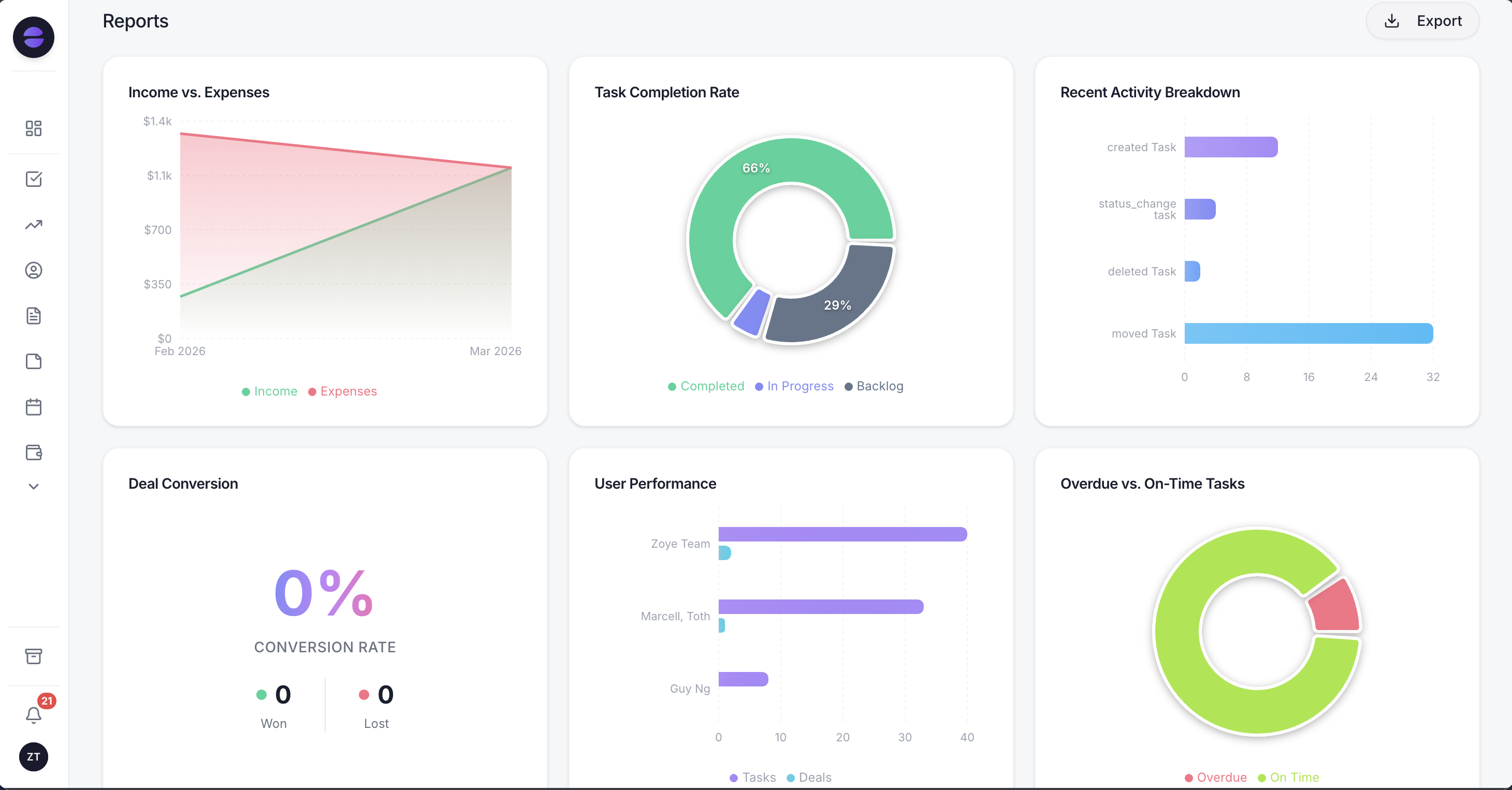 Zoye reports: a summary written from live workspace data, with the leads funnel, lead sources and new leads over time below it
The pricing is the contrast with Zoho. Zoye charges per workspace with a member allowance rather than per user. As of November 2026, Starter is $29 a month, or $23 billed yearly, for up to 5 members and 5 GB of storage; Growth is $59, or $47 yearly, for up to 10 members; Scale is $119, or $95 yearly, for up to 30. Almost Free ($5 a month, one member) and Starter cover the core tools without automations; workflow automations start on Growth. A 10-person team on Growth pays $47 a month billed yearly, against $230 on Zoho CRM Professional. Details are on the pricing page.
The honest limits: Zoye has no CPQ, no territory management, no developer sandbox and nothing like Zoho's marketplace or its suite of more than 40 apps. If your process depends on approval chains, deep custom modules or heavy configuration, Zoho's higher editions are built for that. Connecting your own business WhatsApp number to Zoye is coming soon. Moving over is simple: export your Zoho records and import the file as a spreadsheet, or send the file to the assistant and Zoye imports the records. Imports from Trello and Monday.com work today.
HubSpot free CRM and Starter
HubSpot's free CRM covers up to 2 users, per HubSpot's pricing page in November 2026. Starter is listed at $7 a seat a month billed yearly, shown as a limited-time 65% discount, and Professional jumps to $90 a seat. It suits teams that want marketing tools around the CRM. Our HubSpot vs Zoho comparison weighs the two in detail.
Less Annoying CRM
Less Annoying CRM sells a single plan at $15 per user a month, with a 30-day trial and no tiers, per its pricing page in November 2026. Contacts and companies are unlimited, though the vendor suggests staying under 50,000 in total.
Pipedrive
Pipedrive's Lite plan is $14 per seat a month billed yearly and Growth is $39, per Pipedrive's pricing page in November 2026. Our Pipedrive vs Zoho piece compares them feature by feature.
Ready to hand off the busywork?
Zoye brings AI-powered CRM, task management, and automation into one workspace.
Get StartedFive checks before you pay Zoho for a year
Yearly billing saves up to 34% per user, so it is the right call once you are sure of the edition and the head count. Run these five checks first, because changing edition mid-term is easier than getting money back for one you chose wrong.
- Count records, not just contacts. Export your current data and count contacts, companies, deals and the notes you plan to bring. If it is near 100,000, skip Standard.
- List the one feature that forces your edition. Blueprint, inventory, approvals, sandbox or Zia predictions each decide the edition for the whole team. Price that edition, not the one you hope to get by on.
- Price storage at twice today's size. Use $4 per 100 MB of data and $4.60 per 5 GB of files as the planning numbers.
- Check the price in your own currency. The dollar list may not be what you pay, and tax is added on top.
- Decide who really needs a full license. Team user licenses for non-sales staff, or Zoho One's all-employee model if everyone needs several apps, can change the total more than any discount.
If the checks show you need little of Zoho's configuration and mostly want the follow-ups, tasks and records kept current, book a Zoye demo and bring a week of your real leads to test against.