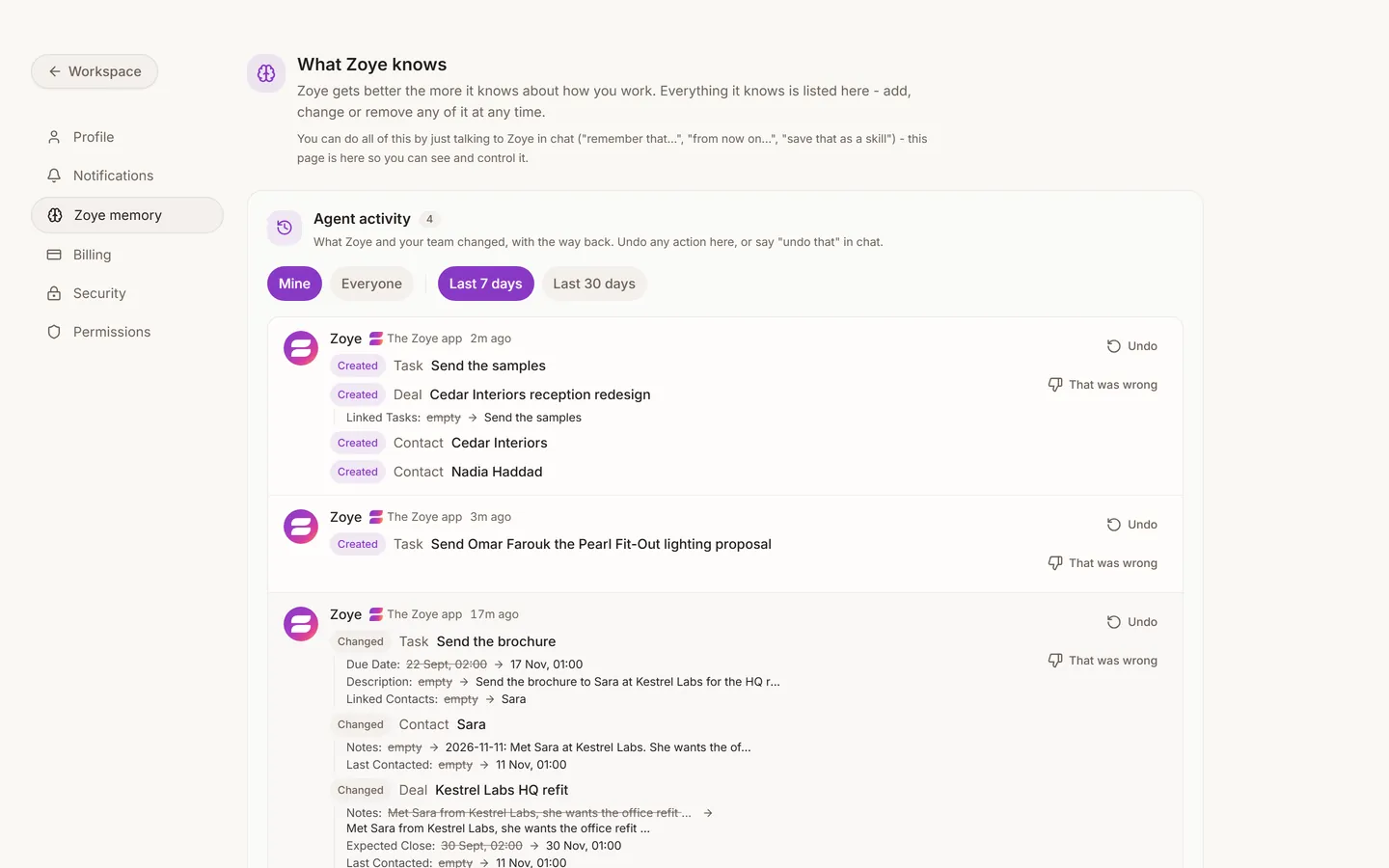
What the assistant remembers
Tell the assistant how you like to work and it keeps that, for you personally. For example: "Always assign new leads to me." "I bill in dinar." "Never message customers on Fridays."
To review or clear what it remembered, open Settings > Memory. Each remembered fact is listed with who can see it, who added it and when, and you can remove them one at a time.
AI credits
Each message you send the assistant costs one credit, whatever it does behind the scenes. A voice note that creates four records is one credit. A photographed business card is one credit.
Reading your data through the app itself never costs a credit.
To see what you have left, open the profile menu (your photo at the bottom of the left sidebar). It shows your AI credits and an Upgrade button. The same menu has Usage this month, with one row for each thing your plan measures and a way to get more when you are close to the limit. On a phone, find these under More.
Your plan, add-ons and payment method are in Settings > Billing. For what each plan includes, see pricing.