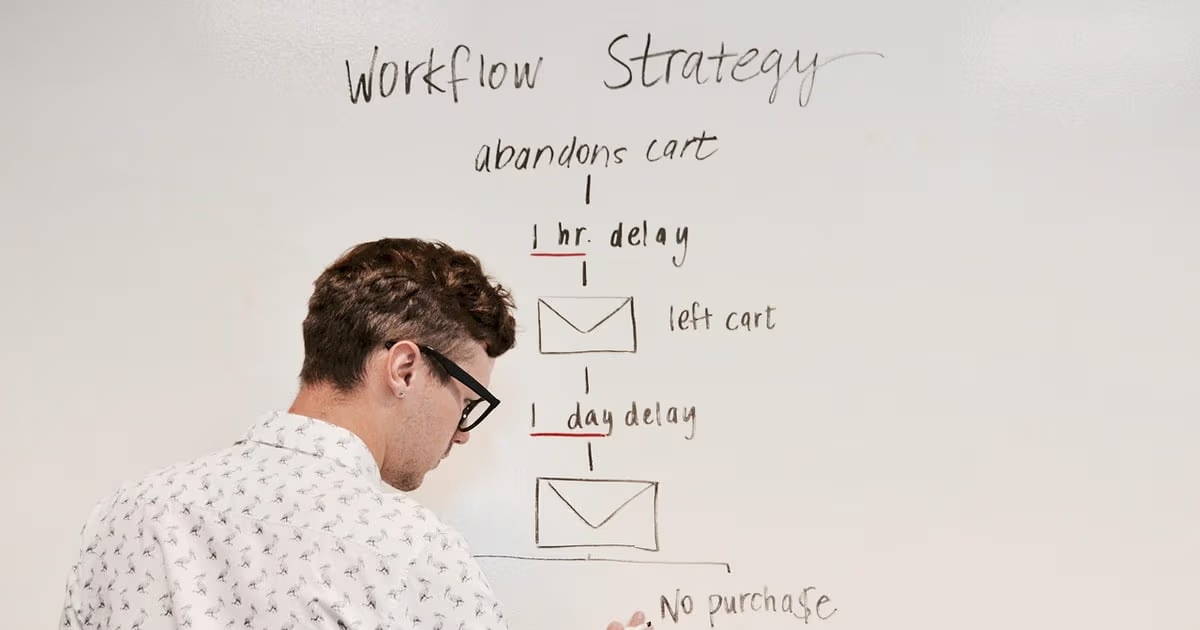
Every growing business hits the same wall: too many tasks, too few hours. Between updating your CRM, chasing follow-ups, scheduling meetings, and generating reports, your team spends more time on busywork than actual strategy. AI business automation changes that equation. Zoye is one platform built around this idea, and the wider category of AI-native automation tools is what this guide walks through: what it is, where it pays off, how to roll it out without overcomplicating it, and how to choose the right tool. If you are new to the concept itself, start with our plain-English primer on what business process automation is.
What is AI Business Automation?
AI business automation uses artificial intelligence to handle repetitive, time-consuming tasks that traditionally require manual effort. Unlike simple rule-based automation (like email filters), AI automation can understand context, make decisions, and improve over time.
Think of it as having a tireless assistant that can:
- Score and prioritize your leads based on behavior patterns
- Draft follow-up emails that sound like you wrote them
- Schedule meetings around everyone's availability
- Generate reports from data across multiple tools
- Flag risks in your pipeline before they become problems
The line between old automation and AI automation is the ability to handle ambiguity. A traditional rule can route an email to support if it contains the word "refund." It misses the email from an angry customer who never uses that word. AI automation reads the actual message, recognises the frustration, routes it, tags it, and drafts a response, without anyone writing a rule for that exact phrasing.
Why AI Automation Matters for Your Business
The businesses that thrive in 2026 aren't necessarily the biggest. They're the most efficient. AI automation lets a small team carry the operational load that used to require a much larger one, because the repetitive coordination work that scales with headcount is exactly the work that AI absorbs.
Save Time on Repetitive Tasks
A large share of knowledge work is "work about work": status updates, data entry, copying information between tools, searching for a file someone else saved. None of it creates value, and all of it eats hours. AI automation reclaims that time. Instead of manually updating your CRM after every call, your AI assistant captures the key points and updates the record for you, so the note exists before you have moved on to the next thing.
Make Better Decisions with Data
When your AI assistant is tracking every touchpoint, deal stage, and team interaction, it can surface insights that humans might miss. Which deals are at risk? Who on your team is overloaded? What's the best time to reach out to a prospect? AI turns your business data into decisions you can act on, and it does so proactively, surfacing the signal before you have to go looking for it.
Where AI Automation Pays Off: 6 High-ROI Workflows
Automation does not pay off evenly across every task. These six workflows consistently return the most time for the least setup, and most small teams find that automating just two or three of them transforms the week.
| Workflow | What manual costs | What automation does |
|---|---|---|
| CRM updates after calls | Notes typed up later, often skipped | Assistant logs the summary the moment the call ends |
| Sales follow-ups | Deals go cold when a reminder is forgotten | Follow-up task created and dated automatically when a deal advances |
| Invoice reminders | Chased inconsistently when the team is busy | Friendly reminder before, on, and after the due date, automatically |
| Weekly reporting | An hour of exporting and formatting | Generated in seconds when you ask for it |
| Lead enrichment | Manual research on every new contact | Company, role, and context pulled from public sources on entry |
| Meeting scheduling | Back-and-forth across inboxes | Times proposed and booked around everyone's availability |
The pattern is the same in every row: the task is predictable, it repeats, and it currently depends on a human remembering. Those three traits are the signature of a task worth automating.
How Zoye Helps with AI Business Automation
Zoye is an AI-native workspace that brings your CRM, tasks, deals, calendar, and documents into one place, all managed by an intelligent assistant that learns how your business operates.

Instead of switching between five different tools, you ask Zoye for what you need, the way you would ask a colleague: "Follow up with leads that haven't responded in 3 days" or "Show me our pipeline health this quarter." Zoye handles the rest.
Tasks the assistant can act on

Automation only works when the work itself is in a structured place. Zoye keeps tasks in a Kanban-friendly board, with priority labels, dependencies, and owners as first-class fields. The assistant reads, creates, and reassigns tasks from those same fields, no scraping or API glue required.
Calendar in the same workspace

Many automation breakdowns happen at the calendar boundary: the rule fires but the meeting never gets booked because the scheduling tool is somewhere else. Zoye's calendar IS the workspace calendar. Tasks appear automatically. Scheduling becomes one of the actions the assistant can take, not an external system to integrate.
Reports that close the loop

The hardest part of automation is not running it; it is proving it. Zoye Reports pulls task completion, deal progress, contact growth, and budget activity into one exportable dashboard. The Week 4 measurement step in the rollout playbook below is a single view, not a spreadsheet exercise.
Knowledge alongside the work
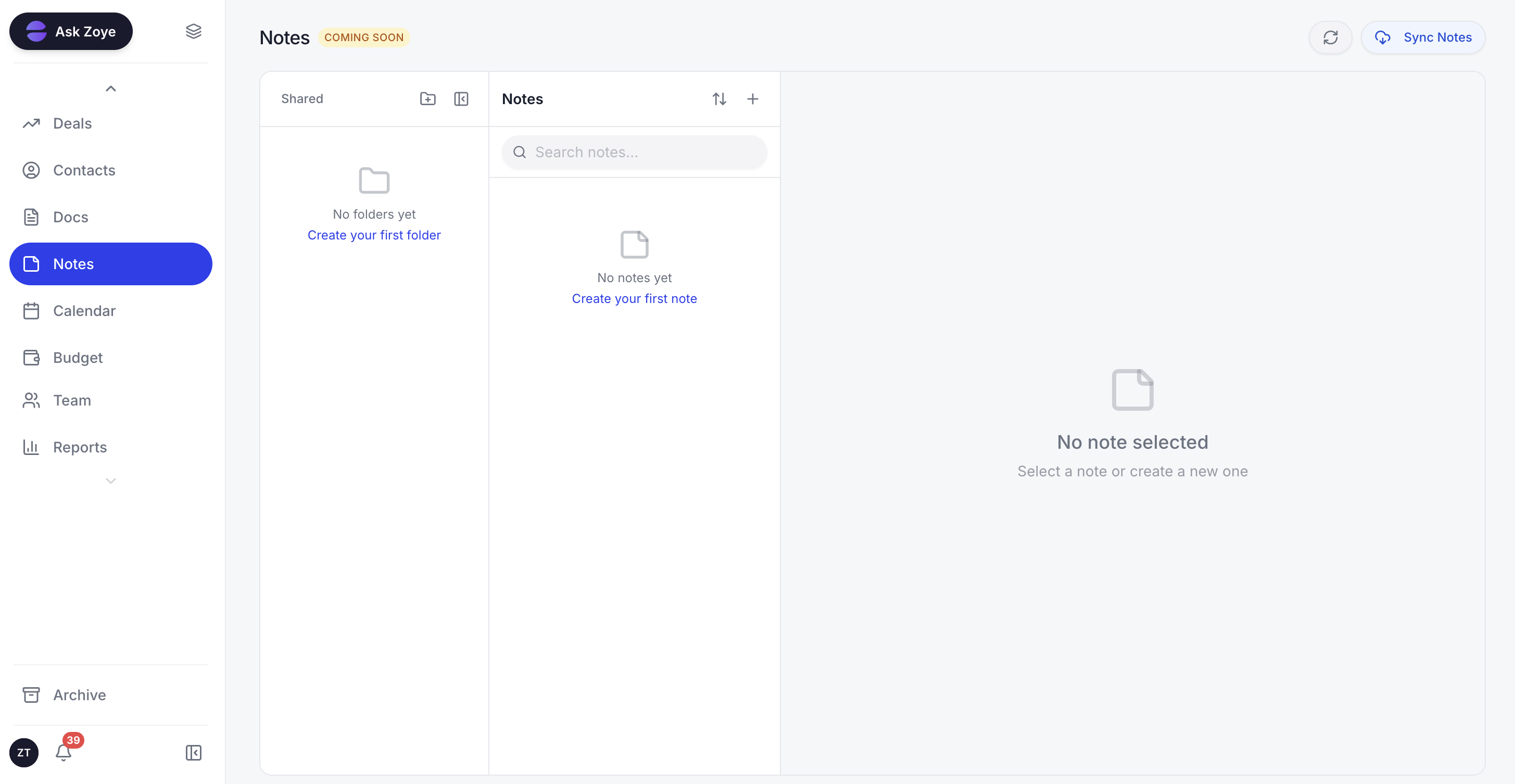
Automation runs better when the runbook for each workflow is one click away. Zoye Notes brings docs and playbooks into the same workspace as the tasks they describe, so the SOP for "weekly client report" sits next to the workflow that produces it. Available on every plan.
What makes Zoye different is that it's not just automating individual tasks. It's connecting the dots across your entire workflow. Your CRM data informs your task priorities, which influence your calendar, which feeds into your reports. Because everything lives in one workspace, Zoye does not need brittle integrations to do its job; it can see the customer, the deal, the task, and the calendar at once and act across all of them when you ask.
A 4-Week Rollout Playbook
The teams that succeed with automation do not buy a platform and try to automate everything by Friday. They follow a deliberate sequence. Here is one that works for most small businesses.
Week 1: Find your biggest time sink
Have each person log their work in 30-minute blocks for five days and tag each block by category. The largest repetitive category is your first target. For most teams it turns out to be follow-ups or report building. You cannot automate what you have not measured, and the audit also gives you a baseline to prove the saving against later.
Week 2: Automate one workflow, end to end
Take that single workflow and automate it completely rather than automating three workflows halfway. If it is sales follow-ups, set the assistant to create a dated follow-up task whenever a deal advances, draft the message from the prior conversation, and surface a reminder if no reply comes. A narrow first win that runs reliably builds more trust than a broad rollout that nobody finishes.
Week 3: Keep a human at every decision point
Automation should draft, suggest, and prepare. People should approve anything that touches money, hiring, or a customer relationship. Configure the workflow so the assistant produces the follow-up email but a person presses send, the assistant proposes the task owner but a person can override. This is not a temporary safeguard; it is the right permanent shape for high-stakes work.
Week 4: Measure, then expand
Run a second time audit and compare it to Week 1. The hours recovered are your real result. If the workflow delivered, move to the next item on your time-sink list and repeat the cycle. If it did not, adjust the configuration or drop it. Either way you are deciding from evidence, not from a vendor's promise.
An Illustrative Scenario
Here is a representative example, not a specific client. Imagine a 10-person managed-services firm where the operations lead spends most of Friday building the weekly client report by hand, and where renewal reminders depend on whoever happens to check the spreadsheet.
After one month of focused automation, the picture changes. The assistant generates the weekly client report on demand, so the operations lead reviews it in a few minutes instead of building it from scratch. Renewal reminders fire automatically a set number of days before each contract end date, so none slip. The account managers no longer type up call notes after the fact, because the assistant captures the summary as the call ends. The work that moved to automation was not the firm's expertise. It was the administrative scaffolding around the expertise, which is exactly the work AI should carry.
How to Choose an AI Automation Tool
The right tool depends on what you are automating and how technical your team is. Three broad categories cover almost every small business.
All-in-one platforms with native AI (such as Zoye) put the assistant inside the workspace where your CRM, tasks, calendar, and budget already live. Because the data is unified, the AI can act across your whole business when you ask, with no integrations to build or maintain. This is the simplest starting point for most teams under 50 people, because you get the automation benefits without ever opening an automation builder.
Cross-tool connectors (such as Zapier and Make) specialise in linking separate SaaS products that do not natively integrate. They are the right choice when you genuinely need two specialised tools to talk to each other. The tradeoff is setup time and brittleness: each connection is a chain that can break when one app changes, and the rules cannot interpret context the way AI can.
Developer-grade platforms (such as n8n, which is open source) give technical teams maximum control and self-hosting. They are powerful but assume engineering bandwidth, so they suit teams that want to own and customise their automation deeply.
For most small businesses the practical answer is an all-in-one AI workspace for day-to-day automation, plus a connector like Zapier only for the specialised cross-tool chains that the workspace cannot cover natively. That combination handles the overwhelming majority of small business automation needs.
Common Mistakes to Avoid
Three mistakes derail automation projects more than any others.
Automating a broken process. If a workflow is poorly designed, automating it just makes it fail faster and at scale. Fix the process by hand first until it is clean and predictable, then automate the clean version. The fix is often simpler than the automation.
Automating everything at once. Teams buy a platform, design elaborate multi-step workflows, and then abandon them because the complexity overwhelms the daily reality. Start with one workflow, prove it, and expand. Momentum comes from finished wins, not from ambitious plans.
Removing the human from high-stakes decisions. Automation that sends customer emails, moves money, or makes hiring calls without review is not efficiency; it is risk. Keep a person at every decision that affects a relationship or the books. The goal is to remove the busywork around the judgment, not the judgment itself.
Frequently Asked Questions
AI business automation uses artificial intelligence to handle repetitive business tasks like data entry, lead scoring, follow-ups, and reporting - freeing your team to focus on strategy and growth.
It depends on how much of your week goes to repetitive, rule-shaped work like CRM updates, email follow-ups, scheduling, and report generation. The more of your time those tasks consume today, the more AI automation gives back. The honest way to size it is to run a one-week time audit before you automate, then compare against a second audit a month after - the difference is your real saving, not a vendor's average.
Modern AI tools like Zoye are designed to be accessible for businesses of all sizes: the Almost Free entry plan is $5 per month for 1 member with the full platform including AI, and pricing stays flat-rate per plan rather than per seat as your needs grow.
Start with the single task that consumes the most hours and follows a predictable pattern. For most small businesses that is sales follow-ups, invoice reminders, or weekly report generation. Automate one, measure the time recovered for two weeks, then move to the next. Automating everything at once is the most common reason automation projects stall.
Zapier and similar tools run rigid if-this-then-that rules between apps - they are excellent for connecting tools that do not natively integrate, but they cannot interpret context. AI automation understands tone, intent, and nuance, so it can read a customer email, decide what it means, and act accordingly. Many teams use both: AI automation inside their main workspace, plus Zapier for specialised cross-tool chains.
Conclusion
AI business automation is now simply how competitive small businesses operate. The teams that win are not the ones that automate the most. They are the ones that automate the right workflows in the right order: find the biggest time sink, automate it end to end, keep a human at every decision that touches money or relationships, measure the hours recovered, then expand. Done that way, you transform your team's productivity without the cost or complexity of traditional enterprise tooling.